
Screenshots
App details
- Updated
- 2024-10-31T09:38:50.8398044Z
- Requires
- Windows 10 version 17763.0 or higher
- Language
- English
- Developer
- SM Digital Technologies
- Category
- Mobile
SoftPas in:
This product is also available in the following languages:
About Stock And Account Book Barcode Billing
Download Stock And Account Book Barcode Billing – Barcode Scanning, One-Click Billing, UPI Payments
Overview
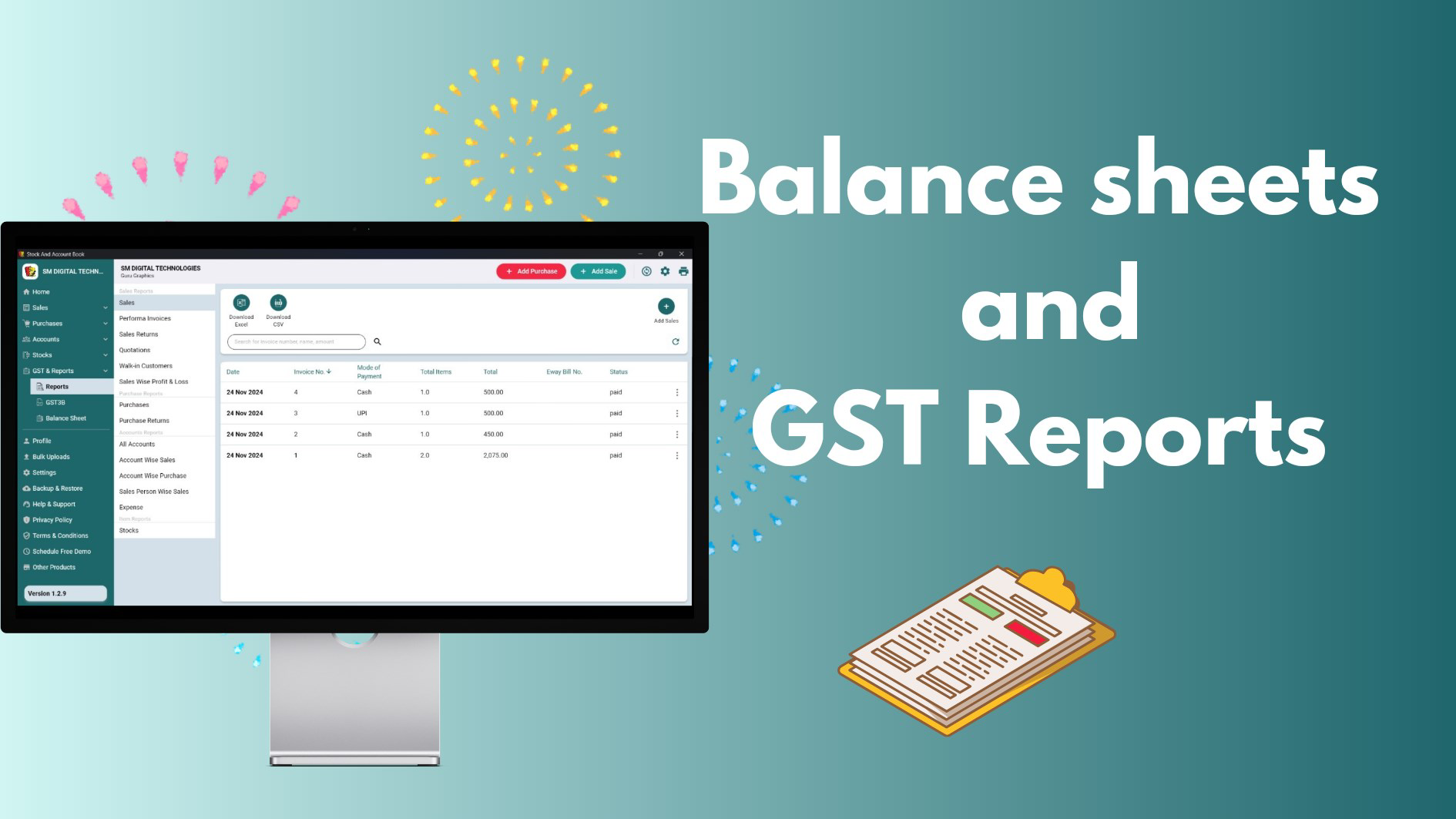
Stock And Account Book Barcode Billing is a purpose-built mobile application tailored for small to medium-sized businesses across diverse sectors, including retail shops, medical stores, and service outlets. Designed to modernize traditional bookkeeping practices, the app offers a streamlined solution for managing inventory, generating invoices, and processing payments. Its core function lies in integrating real-time stock tracking with financial accounting, reducing manual effort and minimizing human error in daily operations. The app addresses common pain points such as slow billing processes, disorganized inventory records, and fragmented payment tracking by offering a unified platform for business management.
Target users include shop owners, inventory managers, and self-employed professionals who rely on accurate, fast, and secure record-keeping. The app’s design reflects a deep understanding of local business needs, particularly in markets where digital adoption is growing rapidly. It is proudly developed in India, indicating a focus on regional usability, affordability, and compatibility with local payment systems like UPI. Real-world use cases include quick billing at a neighborhood pharmacy, tracking stock levels in a grocery store, or managing daily sales at a small café. In the broader app ecosystem, it serves as a lightweight yet powerful alternative to complex enterprise software, filling a critical gap for micro-businesses seeking digital transformation without technical overhead.
Key Features & Functionality
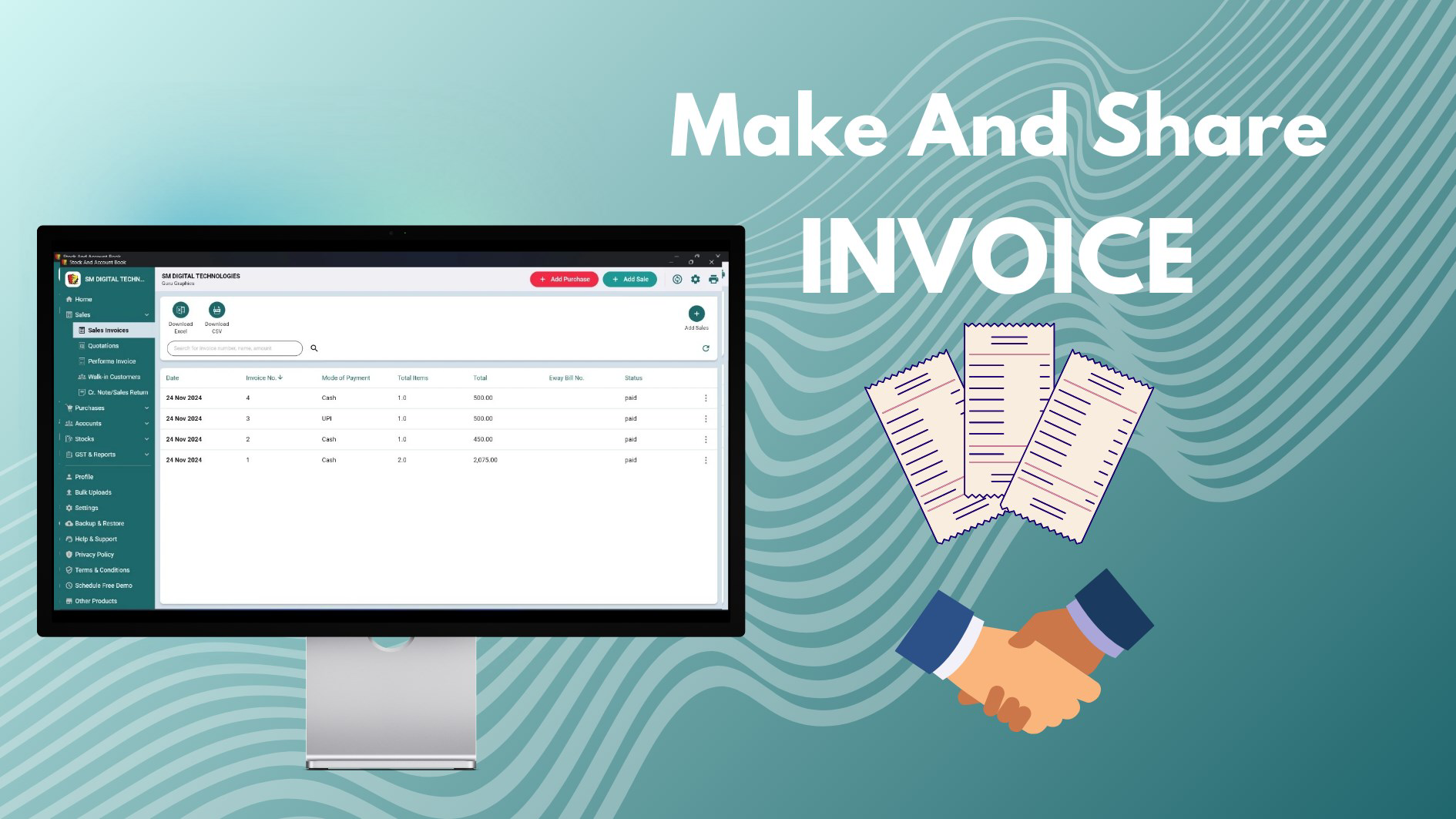
- One-Click Billing: This feature enables users to generate invoices instantly with minimal input. Ideal for high-volume environments such as busy retail outlets or food service counters, it reduces transaction time and improves customer throughput. For example, a shopkeeper can complete a sale in under 10 seconds, enhancing service speed and satisfaction.
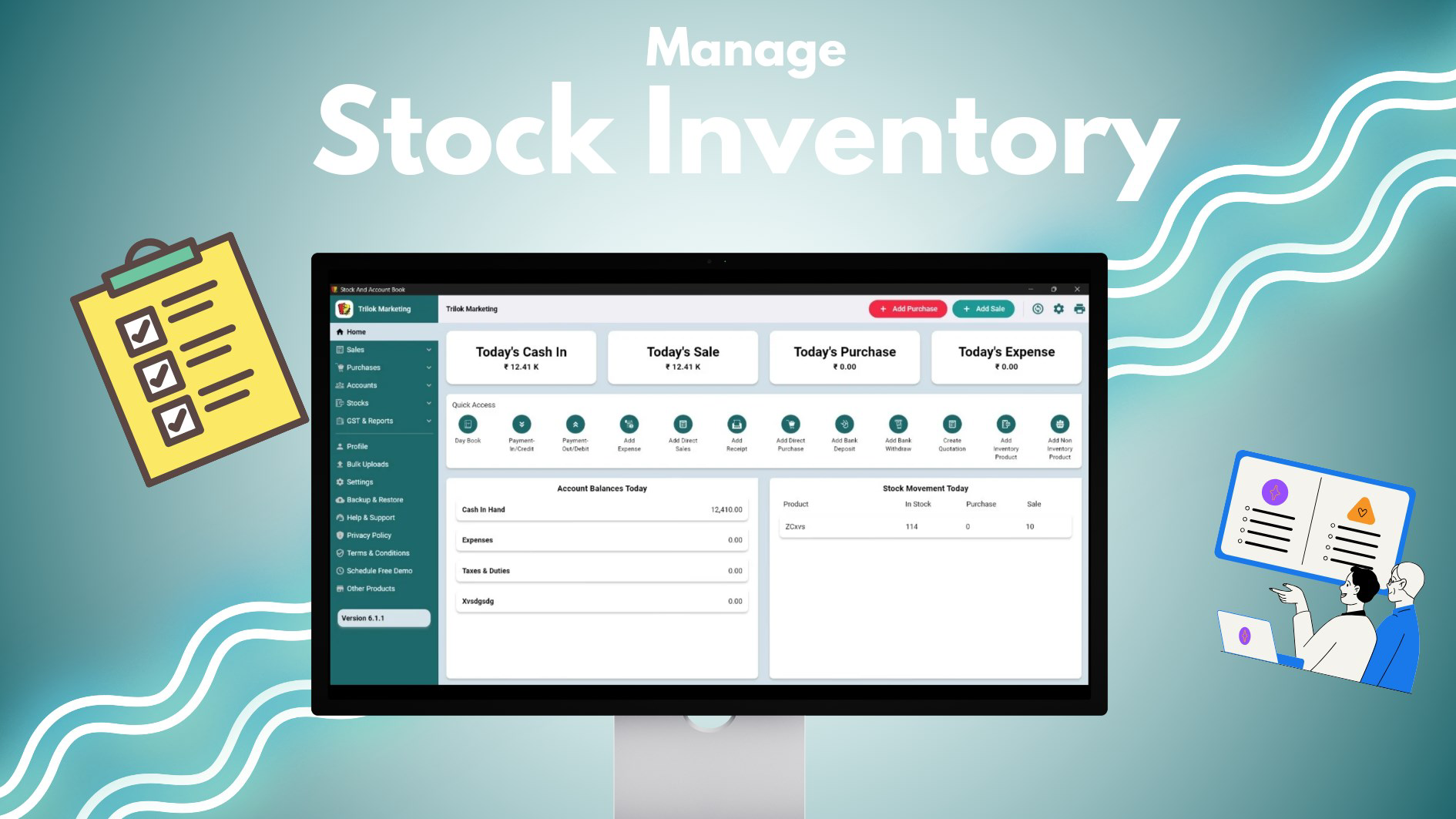
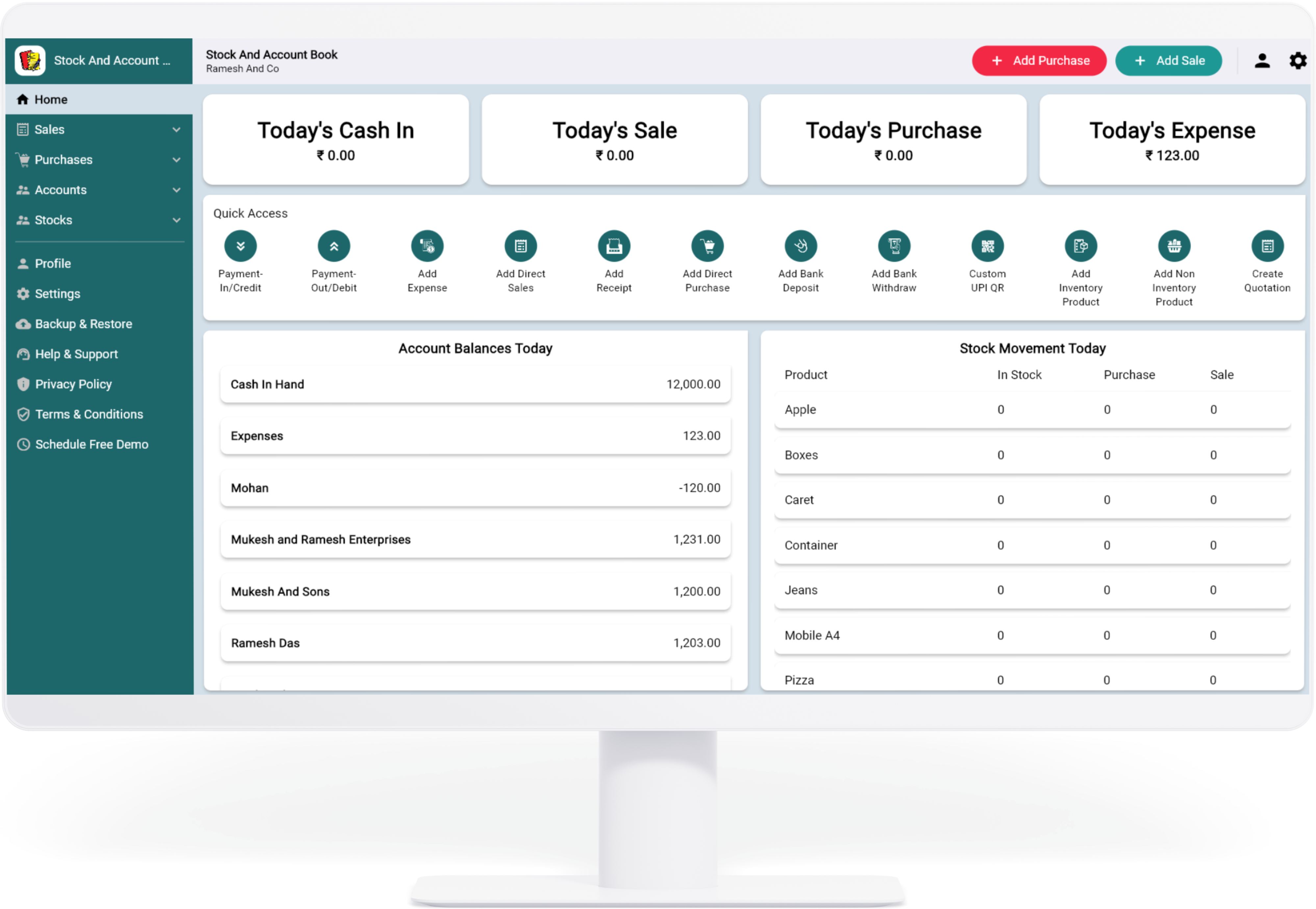
- Real-Time Dashboard Stats: The dashboard provides a live overview of key business metrics, including daily sales, current stock levels, and transaction history. This allows managers to monitor performance and identify trends without needing to manually compile reports. A medical store owner, for instance, can quickly check which medicines are running low and reorder before stockouts occur.
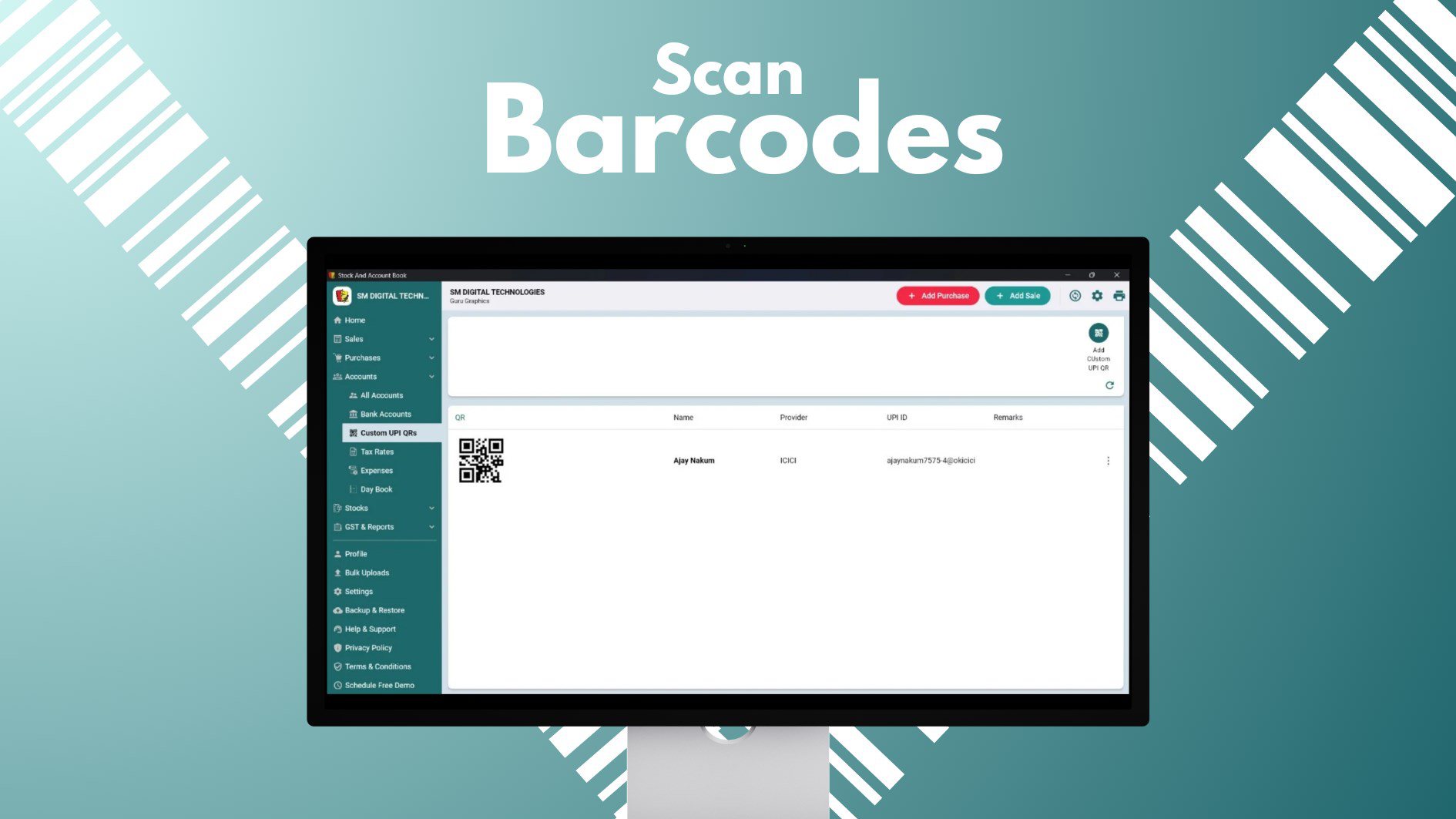
- Barcode/QR Code Scanning: With built-in scanning capabilities, users can quickly add or update products using barcodes or QR codes. This eliminates the need for manual data entry, significantly reducing errors. A retail shop with hundreds of SKUs can efficiently manage inventory by scanning items during restocking or sales.
- Custom UPI QR Codes: The app supports the creation of personalized UPI QR codes for seamless digital payments. This feature enhances payment convenience for customers and ensures faster settlements for businesses. A local tailor can generate a unique QR code for each client, simplifying billing and payment tracking.
- Automatic Backups: All financial and inventory data are automatically saved, protecting against accidental loss due to device failure or data corruption. This feature is essential for maintaining continuity in business operations and ensures that records can be restored when needed.
Interface, UX & Performance
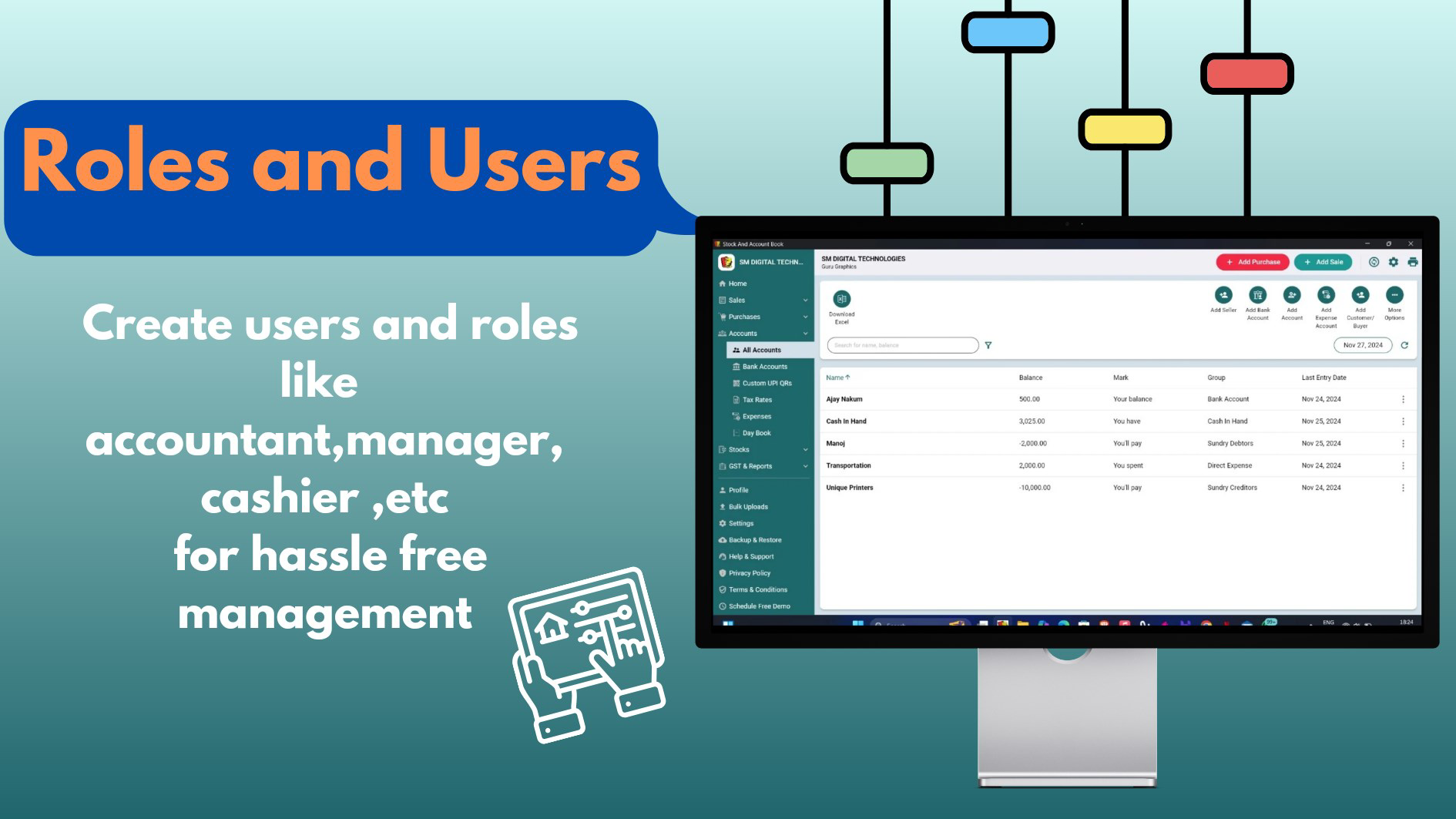
The user interface appears designed for clarity and functionality, prioritizing intuitive navigation and quick access to core features. The layout likely follows a tab-based or menu-driven structure, allowing users to switch between billing, inventory, dashboard, and settings with minimal effort. Visual elements such as icons, color-coded indicators, and clean typography suggest a focus on usability, especially for users with limited technical experience. Navigation flow appears optimized for mobile touchscreens, with large tap targets and logical screen transitions.
Although the developer did not list formal performance metrics, the app’s features imply a responsive design capable of handling routine business tasks efficiently. It is expected to function smoothly on mid-range Android devices, supporting fast scanning, real-time updates, and stable operation during peak usage hours. Stability is likely maintained through optimized background processes and efficient memory management. However, specific performance data on different device categories was not disclosed. The app’s responsiveness during barcode scanning and invoice generation suggests a well-structured codebase, though detailed benchmarking was not provided.
Platform Compatibility & Technical Requirements
Stock And Account Book Barcode Billing is available on Android, as indicated by the nature of its features and the presence of UPI integration. The app supports the latest Android OS versions, though specific minimum requirements were not listed. The file size is approximately 25.4 MB, suggesting a lightweight footprint suitable for devices with limited storage. This makes it accessible to users with older or budget smartphones, a key consideration for small business owners in emerging markets.
The developer did not specify minimum OS requirements or compatibility with iOS. As such, availability on other platforms remains unconfirmed. Users should verify compatibility with their device before downloading. No additional hardware requirements were mentioned, indicating that standard smartphone capabilities—such as a working camera and internet connection—are sufficient for full functionality.
Pros and Cons
Pros
- Streamlines billing and inventory management with one-click invoicing
- Enables fast, accurate data entry through barcode and QR code scanning
- Supports modern digital payments via customizable UPI QR codes
- Provides real-time business insights through an integrated dashboard
- Automatically backs up data to prevent loss
Cons
- Compatibility with iOS devices was not confirmed
- Specific technical requirements were not disclosed
- Advanced reporting or analytics features were not detailed
- Integration with third-party accounting software was not mentioned
- Support for offline mode was not specified
FAQ
Is Stock And Account Book Barcode Billing available for iOS?
The developer did not confirm availability on iOS. The app is currently known to be available on Android.
Can I use this app without an internet connection?
While the app supports offline data entry, real-time syncing and backup features may require an internet connection. Specific offline functionality was not detailed.
Is the app secure for storing financial data?
The app includes automatic backup features, suggesting data protection measures. However, detailed security protocols such as encryption or authentication methods were not disclosed.
How often does the app update?
Regular updates are likely to improve performance and add features, but the update frequency was not specified by the developer.
Can I customize the UPI QR code for each customer?
Yes, the app allows users to generate custom UPI QR codes, which can be tailored for individual transactions or clients.
Final Thoughts
Stock And Account Book Barcode Billing presents a compelling solution for small business owners seeking to digitize their operations without complexity. Its blend of one-click billing, barcode scanning, and UPI integration makes it a practical tool for managing daily transactions and inventory with confidence. The real-time dashboard offers valuable insights, empowering users to make timely decisions. While some technical details remain unspecified, the app’s focus on usability, affordability, and local relevance strengthens its value proposition. It stands out as a reliable utility for micro-entrepreneurs, shopkeepers, and service providers in India and similar markets.
For those looking to modernize their accounting workflow with minimal learning curve, this app delivers tangible benefits. Download Stock And Account Book Barcode Billing now.
Guides & Tutorials
How to install Stock And Account Book Barcode Billing
- Click the Download button above.
- Once redirected, accept the terms and click Install.
- Wait for the Stock And Account Book Barcode Billing download to finish on your device.
How to use Stock And Account Book Barcode Billing
This software is primarily used for its core features described above. Open the app after installation to explore its capabilities.
User Reviews
No reviews yet. Be the first to share your experience.
You may also like
more
Que no te pillen¡
About !Que no te pillen¡Reviewed by Jason A. BilbreyShow MoreShow Less

3D Combat Zone
About 3D Combat ZoneOriginally released in 1983, 3D Combat Zone immerses players...

666: El día del portal
About 666: El día del portalOn June 6, 2006, Agent P. Stone uncovers a sinister...

80 in 1 Best Flash games
About 80 in 1 Best Flash games 80 in 1 Best Flash games is a collection of 80 fl...

ABYSS SEEKERーーWhat Do You See Deep in The Abyss
About ABYSS SEEKERーーWhat Do You See Deep in The AbyssIn ABYSS SEEKER, players...

ACA NEOGEO THE KING OF FIGHTERS 2002 for Windows
About ACA NEOGEO THE KING OF FIGHTERS 2002 for WindowsTHE KING OF FIGHTERS 2002,...